
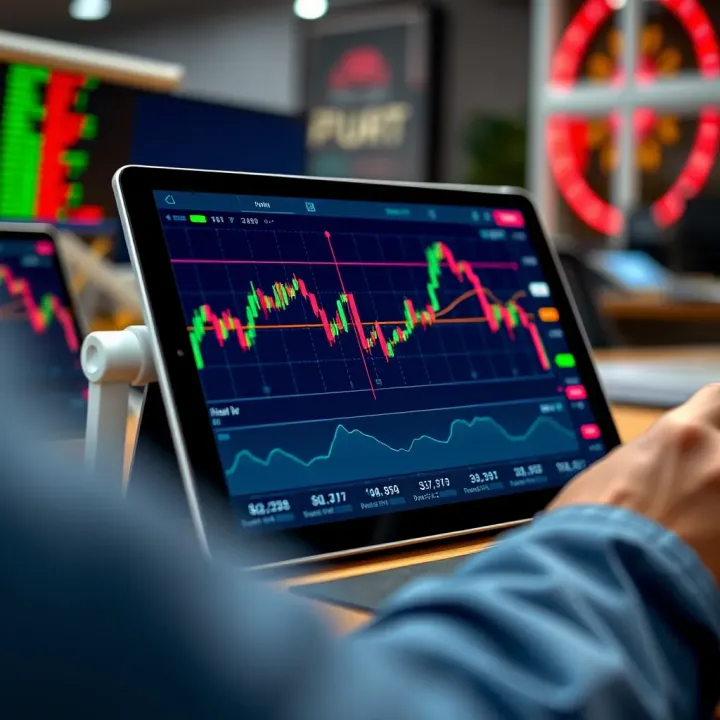
Best Tablets for Trading in India
📱 Find the best tablets for trading in India with fast performance, sharp displays & reliable connectivity. Choose models that fit your trading style perfectly.
Edited By
Amelia Foster
Trading markets move fast, and a trader's edge often lies in how quickly and clearly they can analyse data and act. A four-monitor setup offers a practical way to keep multiple assets, charts, news feeds, and trading platforms visible all at once. This arrangement helps traders avoid the constant flipping between tabs or windows, making decisions more efficient.
For example, one monitor can display live price charts, another real-time news and alerts, the third can track your portfolio or order book, and the fourth could host analytical tools or communication platforms. This physical separation of tasks mirrors how experienced traders compartmentalise their focus.
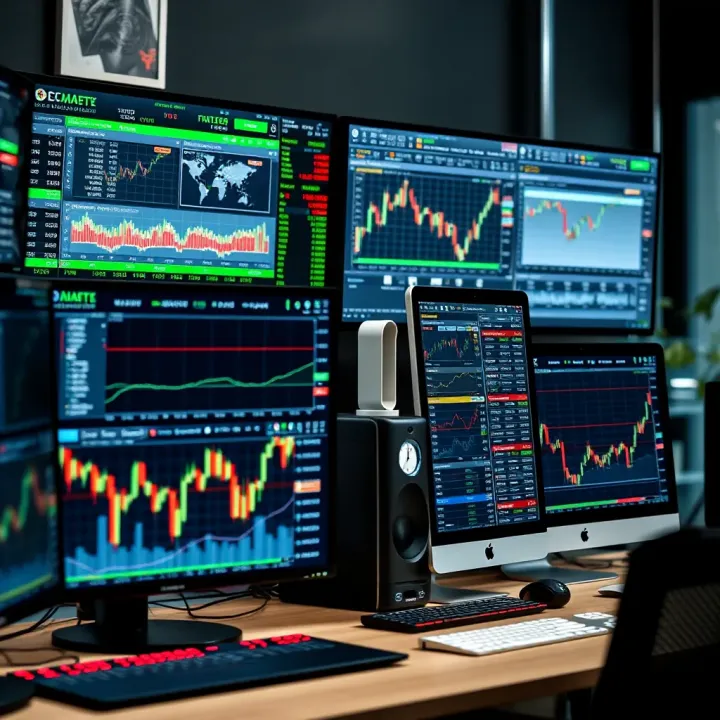
Choosing the right monitors is key. IPS panels provide better colour accuracy compared to TN panels, which is helpful when interpreting chart details. A 24-27 inch size strikes a balance between visibility and desk space. Avoid less than Full HD resolution unless budget constraints force compromises.
Besides screens, you'll need quality mounts or stands. Adjustable arms that support tilt and swivel improve ergonomics over fixed stands. Cable management clips keep the desk tidy and reduce distractions during crucial market hours.
Clear organisation extends beyond hardware. Place the screens in a gentle curve for natural eye movement and minimise neck strain. Keep frequently used tools on the centre screens, while secondary data can stay on the sides.
A four-monitor setup itself doesn't guarantee better trading, but when paired with thoughtful layout and stable hardware, it can boost trading speed, reduce errors, and ease mental load.
This article will guide you through selecting monitors and accessories, setting up your workspace, and fine-tuning your layout for peak trading productivity.
Using four monitors offers distinct benefits for traders, helping to improve both market analysis and decision-making speed. In fast-paced trading environments like the NSE or BSE, where prices and indices shift quickly, having multiple screens at your disposal means you can stay a step ahead without juggling windows or missing important updates.
With four displays, you can keep an eye on several market charts, indices, and sectors at the same time. For instance, while monitoring the Nifty 50 index on one screen, you might track select stock charts such as Reliance Industries or Tata Consultancy Services on others. This setup enables spotting correlations or divergences without swapping tabs frequently, which often causes delays and missed signals. It’s particularly helpful during earnings season or heightened volatility, when rapid reactions are required.
Traders often need to compare asset prices or commodities side by side to spot arbitrage opportunities or sector rotation trends. Four monitors allow for displaying currencies like the USD/INR pair on one screen, crude oil rates on another, and equities on two others. This direct comparison helps in spotting profitable trades by quickly evaluating performance differences or news impacts without the distraction of toggling through overlays.
Switching between multiple applications or browser tabs eats up precious seconds that could otherwise be spent executing trades. With a four-monitor setup, a trader can allocate one screen to order books, another to trading platforms such as Zerodha Kite or Upstox, and yet another for live news updates. This reduction in navigation time is critical especially in intraday trading where milliseconds can make a difference.
News plays a pivotal role in market sentiment, and rapid access to live news feeds or social media updates helps in pre-empting market moves. Placing news portals like Moneycontrol or Bloomberg Quint on one screen while executing trades on a dedicated platform prevents delays caused by toggling windows. Additionally, some screens can be reserved for communication tools like Telegram or WhatsApp groups where traders share fresh tips, ensuring that you are always informed.
Trading with four monitors isn’t just about having more screen space; it’s about creating a workspace that streamlines monitoring, analysis, and execution. This arrangement supports sharper, faster decisions—key qualities in the volatile markets faced daily.
Overall, a four-monitor display empowers traders to manage multiple information streams efficiently, enhancing both situational awareness and reaction speed in the competitive trading world.
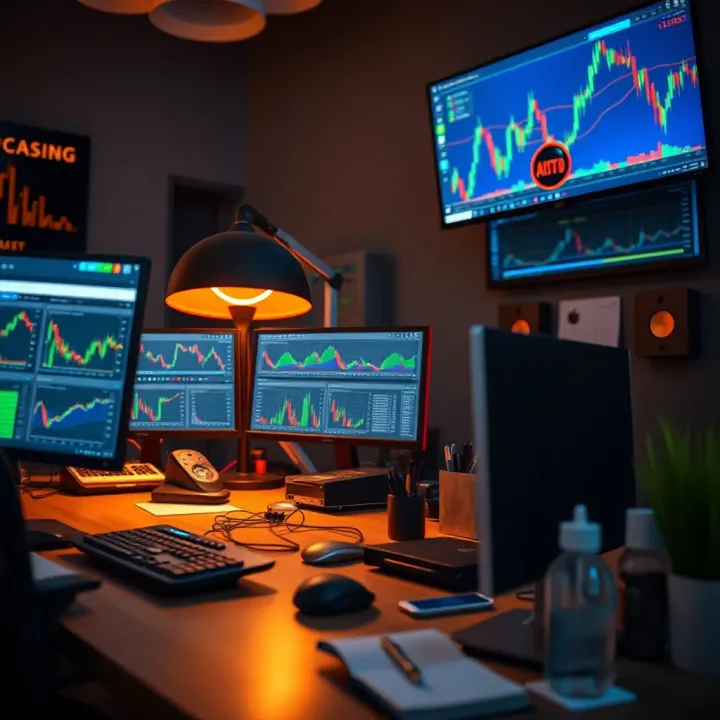
Selecting the right monitors is a key step in setting up a four-monitor display for trading. The screens you pick will influence how clearly you see charts, news feeds, and order books, and how comfortably you work during long hours at your desk. Several factors such as screen size, resolution, connectivity options, and compatibility with your existing system determine whether the setup enhances productivity or becomes a source of frustration.
When deciding on screen size, traders need to balance visibility with available desk space. Large screens (27 inches or more) offer ample room to view complex charts and multiple windows side-by-side. However, too big monitors can crowd your desk, especially if you don't have a spacious trading table. For example, a moderately sized 24-inch monitor often fits better in smaller home offices without sacrificing much screen real estate.
High resolution screens are essential to keep chart details sharp and clear. A resolution of at least 1920x1080 pixels (Full HD) works for basic needs, but QHD (2560x1440) or 4K monitors provide much finer detail that helps distinguish intricate candlestick patterns or technical indicators. Traders who analyse multiple charts at once find this especially useful, as higher resolution reduces eye strain by allowing better separation of visual elements.
Your choice of monitor should consider the types of ports available to ensure easy connection with your setup. Common ports include HDMI, DisplayPort, and USB-C. DisplayPort is favoured for multi-monitor setups because it supports higher resolutions and refresh rates compared to HDMI. Moreover, USB-C can carry both video and power, simplifying cable management if your computer supports it.
Ensuring that your computer and graphics card can actually support four monitors is critical. Many laptops or older desktops may handle only two screens. Check the specifications of your graphics card before buying new monitors. For instance, an NVIDIA GeForce GTX 1660 or better is usually sufficient for driving four 1080p monitors smoothly. Also, confirm that your operating system correctly recognises and allows configuration of multiple displays, so adjusting layouts and resolutions is hassle-free.
Investing time in picking monitors that fit your desk, deliver sharp images, and connect seamlessly will help you manage markets more efficiently, reducing delays and mistakes caused by poor visibility or technical glitches.
Choosing the right displays is not just about size or resolution; it’s about creating a cohesive system that supports your trading workflow day in, day out.
A solid four-monitor setup demands more than just the screens themselves. Accessories and hardware play a major role in creating a comfortable, efficient, and reliable trading environment. Without the right supports and components, you risk frequent adjustments, interruptions, or compromised visual clarity — issues a serious trader cannot afford.
Choosing adjustable stands versus wall mounts: Adjustable stands offer flexibility to move, tilt, or rotate individual monitors as per your viewing habits. This proves useful if your trading routine involves shifting focus across various screens frequently. For example, a good adjustable arm stand lets you angle a chart screen sharply while keeping news feeds more upright. Wall mounts, meanwhile, save desk space and create a clean look but tend to be fixed in place. They're ideal if you have a permanent desk setup and limited workspace, but less forgiving if you want to experiment with arrangements.
Positioning for comfort and reduced eye strain: Proper height and angle of your monitors are crucial. Position screens so the top edge is at or slightly below eye level to avoid neck strain. Keeping monitors about an arm's length away helps reduce eye fatigue during long sessions. Grouping related screens together, such as placing currency pairs on one cluster and equities on another, also cuts the constant head-turning. This setup ensures quick glances instead of tiring, extended neck motion.
A well-thought ergonomic arrangement isn't just about comfort; it keeps you sharper and faster during trading hours.
Minimum specifications for driving four screens: Running four monitors smoothly requires a capable graphics card (GPU). Most mid-range GPUs from Nvidia or AMD with at least 4GB VRAM can handle four 1080p screens easily. However, if you prefer higher resolutions such as 1440p or 4K, or run resource-heavy trading software, you may need 6GB or more VRAM. Look for cards that have at least four outputs (DisplayPort, HDMI, or DVI) to connect all monitors without extra adapters.
Upgrading your PC setup for seamless performance: Beyond the graphics card, your processor (CPU) and RAM matter. A multicore CPU like an Intel i5/Ryzen 5 or better, paired with 16GB RAM or more, generally prevents lag during fast market updates and charting software. Storage in the form of SSDs (solid state drives) rather than traditional hard drives improves boot times and software loading, critical when timing is of the essence. Upgrading your power supply unit (PSU) might be necessary if the new GPU consumes more wattage.
Choosing the right hardware ensures your four-monitor setup runs without hiccups, letting you focus purely on market moves and swift trade execution. Investing in quality accessories combined with adequate computing power turns chaotic screen space into a well-oiled trading command centre.
Setting up four monitors for trading is more than just having multiple screens—it’s about crafting an efficient workspace that reduces fatigue and boosts decision-making speed. Thoughtful organisation helps you spot market changes faster and acts on opportunities without losing time hunting for the right window. Getting the layout and cable setup right makes a subtle but significant difference during those high-pressure trading hours.
Properly positioning your monitors avoids neck strain and eases quick glances across screens. Set the central monitor directly in front and slightly below eye level so your gaze naturally falls on it without tilting the head. The side monitors should be angled inward, roughly 15 to 30 degrees, creating a gentle curve to keep everything within your peripheral vision. For instance, if you trade equities primarily, keep your most-used tools like charts and order books on the centre and left screens, tilted for clarity and minimal eye movement.
Height also matters; ensure the top of each screen is not higher than your eyes, preventing you from constantly looking upwards, which tires the neck. Adjustable mounts or stands help achieve this effortlessly, catering to different seating postures or desk heights common in Indian offices.
Splitting your four monitors based on functionality optimises workflow. For example, dedicate one monitor to live price charts, another to news feeds and economic calendars, a third to order execution platforms, and the fourth to research or technical indicators. This separation lets you quickly locate relevant data during volatile market phases.
Traders dealing with multiple asset classes can assign each screen to a market segment—equities, commodities, forex, and derivatives. It helps cut down confusion during high volatility and lets you track correlated moves live. Grouping by purpose also supports customised layouts on trading platforms like Zerodha Kite or Upstox Pro, further improving visibility and quick access.
Four monitors mean multiple power cables, video outputs, and USB connections — if unmanaged, they pile up quickly. Messy cables not only look untidy but can cause accidental disconnections or limit desk space for essential items like a mouse or a notepad. Keeping cables organised prevents these interruptions, letting you focus on market moves instead of troubleshooting hardware mid-session.
Invest in cable organisers such as clips, sleeves, or under-desk trays to route and secure cables neatly. Velcro straps work well for bundling excess lengths. Using a desk tray helps store adapters, chargers, and spare cables out of sight but within easy reach if needed. For instance, trade desks in India often combine desk trays with compact UPS (Uninterrupted Power Supply) units to ensure smooth work during power fluctuations common in many cities.
A well-managed workspace not only feels comfortable but also improves your mental focus, especially during fast-paced trading sessions. Simple steps like these can prevent distractions and save seconds that might turn into profitable trades, making them well worth the effort.
A clean and ergonomic setup isn’t just about aesthetics—it supports quicker decisions and reduces physical strain, crucial for effective trading on multiple screens.
Setting up four monitors is not just about hardware; optimising software plays a big role in improving your trading efficiency. Proper configuration of display settings and using features designed for multi-monitor use can reduce clutter and help you focus on what's important. Equally, choosing trading platforms that support multiple screens and allow customised layouts lets you monitor markets without missing a beat.
Each monitor in your four-screen setup may differ in size or resolution. Setting the correct resolution and orientation for each screen ensures charts, indicators, and market data appear sharp and consistent. For instance, you might arrange two monitors vertically and two horizontally depending on the type of information displayed — vertical monitors work well for reading long news feeds or order books, while horizontal ones suit price charts.
Windows and macOS both allow you to configure these settings easily. In Windows Display Settings, you can drag and drop monitor icons to match their physical placement and set resolutions individually. This avoids awkward cursor jumps or distorted images when moving between screens.
Using the operating system's window snapping features also helps manage your workspace efficiently. Features like 'Snap Assist' in Windows let you quickly align windows side-by-side or fill one screen without manually resizing. This is handy when simultaneously viewing a live market feed, several charts, and a trading terminal. Keyboard shortcuts add speed — for example, pressing Win+Left or Win+Right will snap the active window to that half of the screen, saving precious seconds during fast market moves.
Several trading platforms are designed to make the most of multiple monitors. Tools like Zerodha Kite, Upstox Pro, and Interactive Brokers' Trader Workstation let you drag and drop charts, watchlists, and order windows across multiple screens without compromising performance. They support real-time data refresh, essential for active traders.
Customising layouts within these platforms is vital. You can create different layouts for various strategies — for example, one screen dedicated to technical charts, another displaying key news updates, and a third showing your open positions. Such flexibility lets you tailor your setup to your style, whether you trade equities, derivatives, or currencies.
Efficient software configuration and flexible trading applications bring your multi-monitor setup to life, helping you react swiftly and make informed decisions with ease.
By combining these software strategies, your four-monitor trading setup shifts from just being big to genuinely productive.
📱 Find the best tablets for trading in India with fast performance, sharp displays & reliable connectivity. Choose models that fit your trading style perfectly.
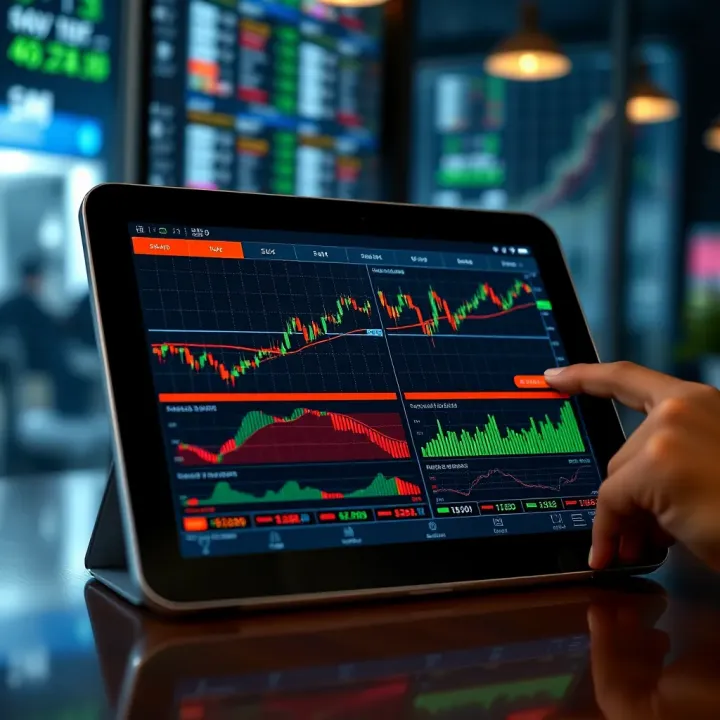
Looking for the best tablet for stock trading in India? Explore top models with crisp displays, reliable performance, long battery life, and seamless compatibility 🤑📈
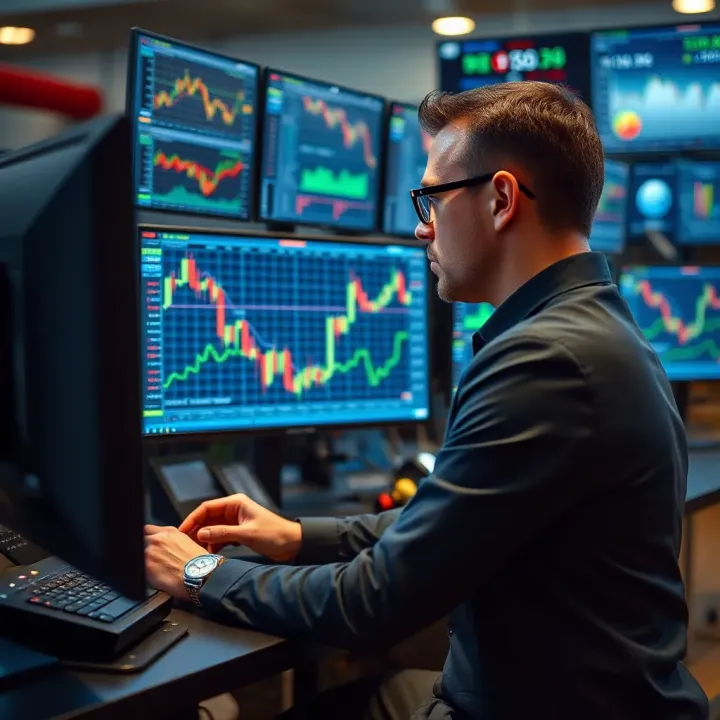
Can trading turn you into a billionaire? 💰 Explore real challenges, strategies, and trader examples that reveal the truth behind huge wealth in financial markets.
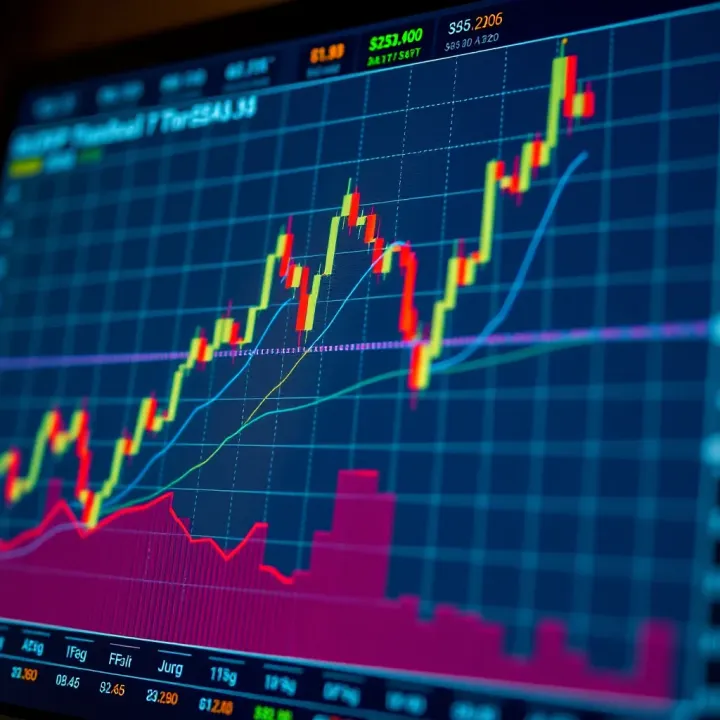
📈 Learn how Fibonacci ratios help traders in India spot crucial support and resistance levels. Understand retracements, extensions, and practical uses to improve your trading strategy.
Based on 10 reviews