
Understanding Quotex Trading Hours for Indian Traders
📈 Understand Quotex trading hours in India! Learn market timings, timezone tips, and maximize your trading strategy with detailed insights tailored for Indian traders.
Edited By
Oliver Mason
Choosing the right tablet for trading in India is more than just picking a device with a flashy screen. For active investors and traders, the tablet becomes the command centre — it needs to deliver fast processing speeds, a clear display, and reliable connectivity to keep up with market movements and sudden opportunities.
Trading apps such as Zerodha Kite, Upstox Pro, and Angel Broking require a responsive device to execute orders swiftly and without lag. A slow or unsteady device can cost valuable seconds, or worse, miss critical alerts. So, your tablet must balance performance, portability, and battery life to support on-the-go trading.
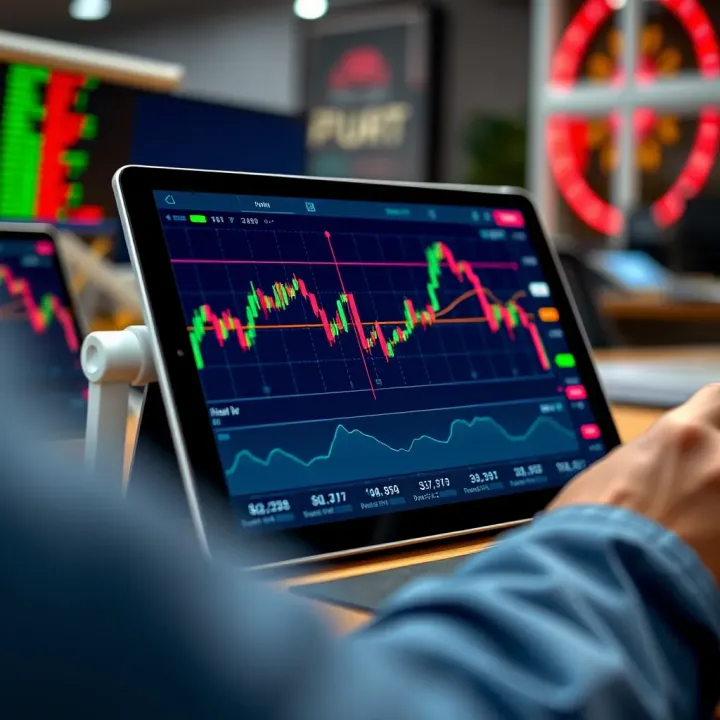
The display also matters, since charts, candlesticks, and live market feeds demand sharpness and accurate colour reproduction. IPS LCD or AMOLED panels with at least Full HD resolution (1920x1080 pixels) provide detailed visuals, helping you spot trends and execute trades confidently.
Connectivity is not just about Wi-Fi, as many traders prefer mobile data through 4G or 5G, ensuring uninterrupted internet anywhere — whether you are in Mumbai’s financial district or travelling to smaller towns. Tablets with dual SIM capability or eSIM support can offer redundancy, switching between networks when one falters.
Reliable battery life is critical. A tablet with 8+ hours of active trading can prevent last-minute rushes to charge or use power banks during market hours.
Here are some features to prioritise:
Processor & RAM: Look for tablets with at least an octa-core processor and 4GB RAM for smooth multitasking.
Display: A 10 to 12-inch screen with high resolution and anti-glare coating works best.
Connectivity: 4G/5G support, Wi-Fi 6, and Bluetooth 5.0 ensure stable connections.
Battery: Minimum 7-8 hours of screen-on time under load.
Storage: At least 64GB, preferably expandable via microSD.
Brands like Samsung (Galaxy Tab S series), Apple (iPad Air), and Lenovo (Tab P series) offer models meeting these criteria. Selecting a tablet that fits your trading style, budget, and mobility needs can make your trading workflow seamless and efficient.
Given the variety of options, understanding these essentials will help you narrow down to the best trading tablet in India.
When selecting a tablet for trading, specific features can make or break your experience. Trading involves quick decision-making, constant market monitoring, and flawless execution of orders. Without the right device, you risk missing crucial opportunities or facing delays. Hence, focusing on display quality, performance, battery life, connectivity, and operating system compatibility is essential.
Screen resolution clarity plays a significant role in how you view charts, candlestick patterns, and market news. A tablet with high resolution—Full HD (1920x1080 pixels) or higher—ensures crisp details and reduces eye strain during long sessions. For example, a pixel-packed Retina display in Apple's iPad models presents sharp visuals that allow traders to catch subtle market signals without squinting.
Optimal screen size for trading apps matters because trading platforms often show multiple panels—charts, order books, and news feeds simultaneously. A screen size between 10 to 12 inches strikes the right balance: it’s large enough to view complex layouts comfortably yet portable enough to carry around. Tablets smaller than 8 inches tend to feel cramped, while bigger tablets can be bulky for daily use.
Touch responsiveness directly impacts your ease of placing orders and navigating apps. A laggy or unresponsive screen can cause misclicks or delayed actions, which are costly in fast markets. So, look for tablets with high touch-sampling rates (over 120 Hz) and accurate sensors, ensuring your gestures translate smoothly, whether dragging charts or entering trade quantities.
Processor speed and cores determine how fast your tablet handles trading applications, especially during market volatility when apps update rapidly. A powerful processor with multiple cores—like Apple’s A14 Bionic or Qualcomm Snapdragon 865—helps in smooth multitasking and faster data processing without slowing down.
RAM capacity for multitasking is vital since traders often run trading apps alongside news, spreadsheets, or messaging apps. At least 4GB RAM is advisable, but 6GB or more offers better headroom to switch between apps without lag. Tablets with lower RAM can freeze or reload apps frequently, disrupting workflow.
Smooth app functionality means your tablet should handle graph plotting, real-time price updates, and video streams without hiccups. Even a slight freeze can cost precious seconds during order placements. Hence, a combination of good processor and RAM with optimised software ensures trading platforms respond instantly.
Battery backup for long trading sessions is fundamental. Tablets offering 8–10 hours or more of continuous use ensure you stay connected through market open to close, especially when travelling or away from a power source. No trader wants a surprise shutdown at a critical moment.
Weight and ease of carrying matter if you commute or trade from different locations. Lightweight tablets, usually between 400–600 grams, provide convenience without sacrificing screen size or performance. Bulky or heavy devices can tire your hands or get neglected in favour of laptops or mobiles.
Fast charging features save time and keep your tablet ready for action. A fast charger delivering at least 18W reduces downtime significantly—charging from 0 to 50% in under an hour lets you quickly power up during a coffee break or transit.
4G/5G support lets you trade uninterrupted when Wi-Fi isn’t available or stable, common during travel across cities or remote areas. With India's 5G rollout expanding, investing in a tablet supporting 5G future-proofs your connectivity for quicker market updates.
Wi-Fi bands and stability are crucial for blistering-fast, reliable internet. Dual-band (2.4 GHz and 5 GHz) Wi-Fi routers work best, and tablets supporting both ensure less interference and better throughput, which is key during high-frequency trading.
Bluetooth and USB options allow connection to external devices like keyboards, mice, or secondary displays, enhancing your trading setup. USB-C ports with data transfer support also let you connect to wired peripherals or charge other gadgets, adding versatility.
Compatibility with trading platforms ensures you can run popular apps like Zerodha Kite, Upstox Pro, and Angel Broking effortlessly. Both iOS and Android have competitive app ecosystems, but some platforms optimise their apps better on specific OS, affecting user experience.
App ecosystem variety matters if you use not just trading apps but also research tools, charting software, or news aggregators. A rich app store offers access to diverse utilities, so your tablet remains useful beyond just trading.
Security features and updates protect sensitive data and trading accounts. Regular OS and app updates patch vulnerabilities. Features like biometric login (fingerprint, face unlock) and encryption add layers of defence, especially when connected to public Wi-Fi or shared environments.
Choosing a tablet for trading is about balancing speed, clarity, and connectivity while ensuring mobility and security. Focusing on these features helps you pick a device that keeps pace with Indian market demands and your trading style.
Choosing the right tablet is a key step for traders who need a reliable device packed with features tailored for smooth stock market navigation. Popular tablet models in India reflect a balance of performance, display quality, portability, and app compatibility, making them practical for active investors.
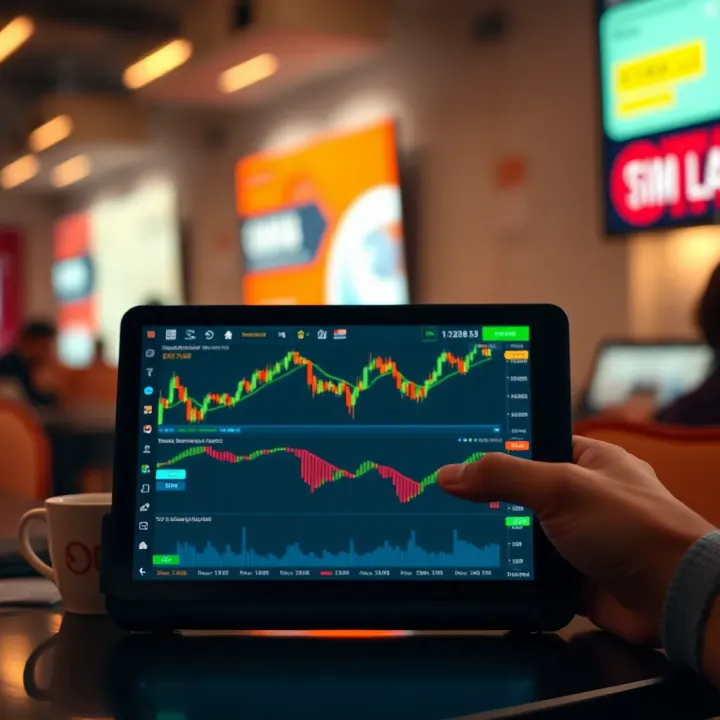
Apple's iPad Air and Pro are strong contenders for traders who want power and portability. The iPad Air offers a good mid-range option with a crisp Liquid Retina display that suits detailed chart analysis, while the Pro versions come with larger screens and better colour accuracy, essential for analysing complex graphs.
For example, trading multiple charts side by side becomes easier on the Pro’s 12.9-inch display. Additionally, the iPad Pro supports the Apple Pencil, which comes handy for marking up reports or jotting down quick notes during trading hours.
iPads generally feature Apple's M1 or A14 Bionic chips, which perform impressively in multitasking and running data-intensive apps like Zerodha Kite or Upstox Pro without lag. Their RAM and CPU combination ensures smooth switching between live market feeds and trading apps, helping traders stay responsive to market changes.
High performance means you won’t face frustrating freezes or delays just as market volatility spikes, which is crucial when timing trades and managing orders.
While iPads don’t come cheap, their sturdy build, timely software updates from Apple, and wide app support create long-term value. Many Indian investors see this as an investment in efficiency, especially those who trade frequently and rely on uninterrupted access to the market.
Plus, the iPad’s strong resale value in India adds another layer of financial sense for traders looking to upgrade every few years.
Samsung’s Galaxy Tab S7 and S8 packs offer solid Android alternatives with high refresh rate displays, fast Snapdragon processors, and expandable storage options. These tablets strike a balance between performance and price, appealing to traders who prefer Android’s ecosystem.
The inclusion of 5G support in newer models ensures seamless connectivity on the go, a must for traders who often operate outside strong Wi-Fi zones.
Both tablets come with AMOLED displays providing excellent colour depth and sharpness. The S Pen stylus allows precise input, helping traders annotate charts or manage complex orders hands-free.
This is especially useful during quick market moves where speed and accuracy in tapping or noting details make a difference.
The Galaxy Tabs fully support popular Indian trading apps available on the Google Play Store. Android’s flexibility allows running certain custom or proprietary broker apps that may not be available on iOS.
This compatibility ensures that traders using Android-only features can enjoy a smooth experience without device limitations.
Lenovo and Realme offer budget-friendly tablets that bring trading capabilities within reach of new or casual traders. Models like Lenovo Tab M10 and Realme Pad come with decent HD displays and adequate processors for basic trading needs.
These tablets cover essentials while keeping costs below ₹15,000 to ₹20,000, making them attractive for those starting out or trading part-time.
Budget tablets usually come with modest RAM and mid-range processors, which means they might lag with multiple apps or during rapid market updates. Screen resolution isn’t as sharp as premium tablets, which can affect long-term comfort when watching charts.
Still, for users primarily managing a few trades per session or checking portfolio updates, this trade-off can be reasonable.
These tablets work well for traders focused on monitoring markets, using single chart views, or practising trading strategies without heavy multitasking. Their lightweight design and decent battery life make them suitable for mobile use in tier-2 or tier-3 cities where cost matters most.
In short, budget tablets serve well as entry-level instruments or secondary devices for casual trading needs.
Selecting a tablet depends on your trading style, app preferences, and budget. For high-frequency traders, iPads or Galaxy Tabs offer smoother, reliable performance, while budget models cater well to beginners or low-volume investors.
Trading tablets are only as effective as the software they run. The right trading apps not only offer quick access to real-time market data but also simplify order execution and portfolio monitoring. For traders in India, integrating user-friendly and reliable platforms on tablets can make the difference during fast-moving market conditions.
Zerodha Kite is among the most popular trading platforms in India, well-optimised for tablets. It offers an intuitive user interface that handles live charts, order placements, and market watchlists smoothly. Traders benefit from its fast refresh rate and multi-asset support, including equity, commodities, and derivatives, which is useful on tablets with decent processing power.
Its tablet app supports features like advanced charting tools and multiple watchlists, allowing traders to spot opportunities without toggling between screens. Zerodha's emphasis on lightweight design means it runs efficiently even on budget tablets, making it accessible for a wide range of users.
Upstox Pro is another robust platform offering high-speed trading capabilities suitable for tablet use. Its app brings advanced technical analysis tools and a clean layout that adapts well to different screen sizes. Upstox allows quick fund transfers and real-time order updates, essential for active traders managing funds on the go.
Moreover, the sharing feature on Upstox Pro lets you export charts or trade reports directly from your tablet, helpful for investors who like to review or discuss strategies offline. Its 5G compatibility ensures that if your tablet supports it, your trading experience remains uninterrupted.
Angel Broking’s tablet app is packed with features such as voice command trading and AI-driven investment advisory. For traders who prefer some guidance, the AI assistant ‘ARQ’ suggests trading decisions based on market trends directly on the tablet screen.
The platform integrates both equity and commodity trading while maintaining smooth navigation tailored to touch controls. Its recent apps also support paperless KYC and UPI payments, making account and fund management straightforward through tablets.
Technical analysis is crucial when placing trades. Apps like Investing.com and TradingView on tablets offer advanced chart types, indicators, and drawing tools that allow traders to study market patterns efficiently. Using tablets with sharp displays, you can zoom, scroll, and set up custom indicators with a simple tap and swipe.
These apps give traders the flexibility to track multiple instruments simultaneously, essential when keeping an eye on several stocks or indices at once. The visual clarity and responsiveness of tablets improve this hands-on analysing experience.
For traders who cannot monitor screens constantly, setting customised alerts on tablets is a lifesaver. Apps such as Moneycontrol and MarketPulse enable price alerts, volume spikes, and news notifications that reach your device instantly.
With such notifications active on your trading tablet, you don't miss sudden market moves, which might affect your buy or sell decisions. This feature also frees up time without losing touch with important market developments.
Maintaining an overview of your investments on the tablet helps with swift adjustments when required. Portfolio tracking apps like ET Money and Groww provide consolidated views of holdings across asset classes, including mutual funds, stocks, and ETFs.
Their tablet versions often support automatic syncing with linked brokerage accounts, reducing manual data entry. You can monitor profit and loss in real time, analyse asset allocation, and even generate reports for tax or personal review purposes.
Choosing the right combination of apps for trading and market analysis on your tablet can boost your efficiency, helping you make timely decisions without being tied down to a desktop.
Selecting these apps with tablet compatibility and good user experience ensures you get the best from your investment in hardware. This complements the tablet’s mobility, letting you trade confidently from anywhere.
Using a tablet for trading can be a great choice, but to really get the most out of it, you need a few smart strategies. This section highlights practical tips to ensure your tablet stays fast, secure, and reliable, which helps you react quickly to market changes and avoid costly delays.
Managing background apps plays a big role in keeping your tablet responsive during trading sessions. Multiple apps running simultaneously can slow down your device and eat away at RAM, resulting in laggy charts or delayed order placement. It helps to close unused apps regularly and avoid keeping many heavy apps open at once. For example, if you’re using Zerodha Kite and Upstox Pro simultaneously, make sure to close apps like WhatsApp or streaming services to free up memory and processing power.
Another key factor is ensuring smooth network connectivity. Trading demands fast and stable internet, so managing your Wi-Fi or mobile data connection well is crucial. Disconnect from unreliable Wi-Fi networks and prefer 4G or 5G data when on the move to minimise dropouts. In busy areas like office buildings or markets, network congestion may cause delays. Having a backup connection, such as a secondary SIM card or portable hotspot, can be a lifesaver when your primary network stalls.
Keeping your trading data safe starts with using strong passwords and biometrics. Tablets with fingerprint sensors or facial recognition not only speed up login but also add an extra layer of protection. Avoid simple PINs like ’1234’ or birthdays as they can be easily guessed. For instance, Apple iPads and Samsung Galaxy Tabs offer biometric options which are both secure and convenient for traders who check the markets multiple times a day.
Equally important is installing regular software updates and security patches. These updates fix vulnerabilities that hackers exploit and improve system stability. Traders tend to store sensitive information on their tablets, from bank details to trading passwords, so it’s vital to apply updates promptly. Ignoring software updates can expose your device to malware or phishing risks.
Cloud backup options are essential for traders who cannot afford data loss. Services like Google Drive or Apple iCloud let you automatically back up your important files, trading reports, and app data. This ensures you can restore critical information instantly if your device crashes or gets stolen. For example, backing up your portfolio history daily avoids painful recovery when you switch devices.
In addition, mastering data export and import techniques helps you manage your investments efficiently. Downloading reports, exporting transaction histories in CSV or Excel formats, and importing them into analysis tools allows for deeper insights and record-keeping outside trading apps. This also aids in filing Income Tax Returns (ITR), where accurate and timely stock transaction records matter.
Trading on tablets offers flexibility, but optimising device settings, securing data, and maintaining backups are must-dos for serious traders who want smooth and safe experiences.
By following these tips, you ensure your tablet remains a reliable tool that supports quick decisions and protects your financial interests in India’s fast-moving stock markets.
📈 Understand Quotex trading hours in India! Learn market timings, timezone tips, and maximize your trading strategy with detailed insights tailored for Indian traders.
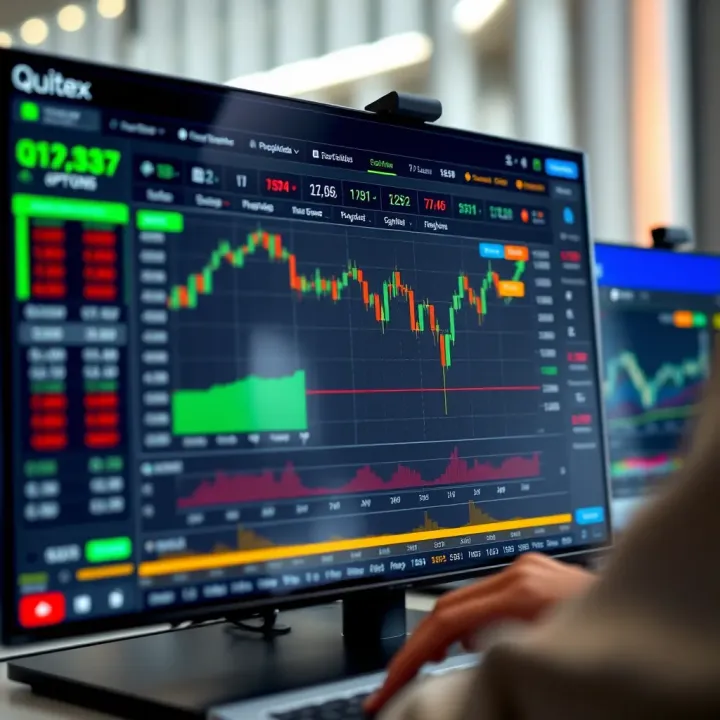
📈 Discover how to trade on Quotex in India with our detailed guide. Learn platform features, set up accounts, choose instruments, and manage risks smartly.
Explore real trading platforms: features, benefits, security & tech tips. Make informed choices to succeed in India's trading market 📈💡🔒
Explore RBI-approved trading apps 📱 in India. Learn about safe, regulated platforms, key features, and investor protection tips to trade confidently and securely.
Based on 5 reviews