
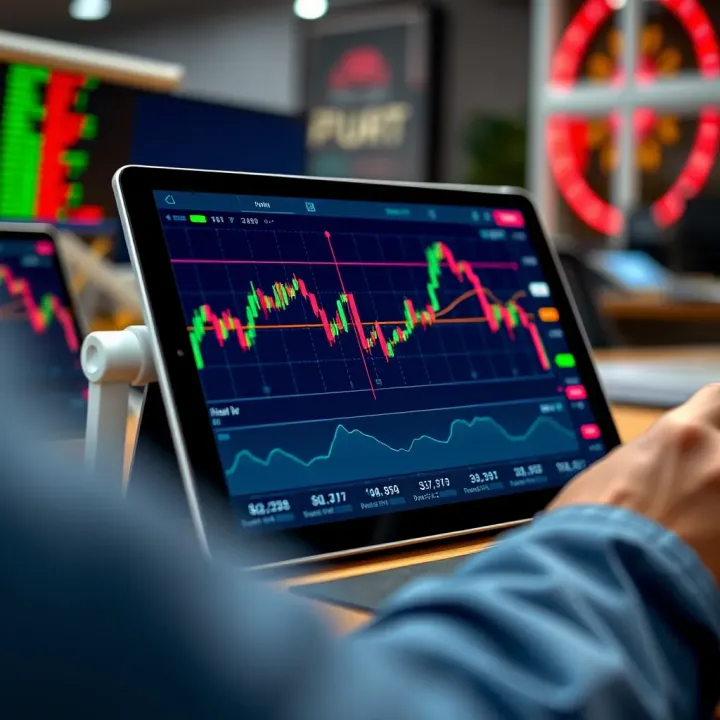
Best Tablets for Trading in India
📱 Find the best tablets for trading in India with fast performance, sharp displays & reliable connectivity. Choose models that fit your trading style perfectly.
Edited By
Charlotte Moore
Choosing the right mobile phone for trading in India can make a significant difference in your market performance. Traders need devices that keep up with fast-moving stock prices, deliver real-time alerts, and run trading apps without hiccups. The right phone ensures you never miss a critical update or delay your buy-sell decisions.
In this article, we'll break down the key features to focus on when picking a trading phone, including display quality, processor speed, battery life, and network support. For instance, a crisp AMOLED display helps you read charts clearly even under sunlight during your commute. Meanwhile, a powerful processor and ample RAM prevent app freezes when multiple market monitoring tools run together.
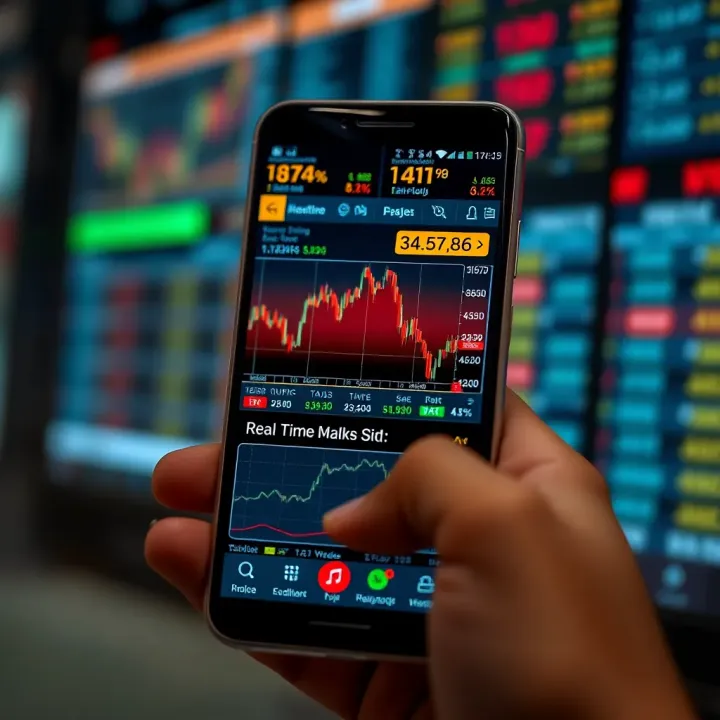
Besides hardware, connectivity options like 4G/5G and Wi-Fi bands matter a lot in India’s diverse network conditions. Staying connected without lags means smoother trades. Battery backup is another factor—trading sessions around market hours can be demanding, so your phone should last long without frequent charging.
For serious traders, a phone that balances performance, user experience, and price offers the best value. You don’t always need the costliest flagship but a model that addresses trading needs precisely.
We will also review some top smartphone picks that perform well in India’s trading ecosystem, covering brands popular among Indian investors. Finally, you'll find tips to optimise your mobile settings for trading apps and notifications.
Understanding these aspects helps both casual investors and professional traders make informed choices. It will save you from investing in phones that fall short during critical market moments.
Let's get started by understanding what features matter most and why they impact your trading efficiency.
When it comes to trading on mobile, the choice of phone can make a noticeable difference. The right device ensures smooth operation of trading apps, sharp display of market data, and reliable connectivity that lets you act swiftly on opportunities.
A clear, bright screen is critical since traders spend hours analysing charts and reading prices. High screen resolution, ideally Full HD or above, offers crisp text and graphics, reducing eye strain during long sessions. Brightness levels also matter; a screen that performs well even under direct sunlight helps when trading on the move or outdoors.
Choosing the right screen size is about balance. A display between 6.2 to 6.7 inches tends to be comfortable for most users, offering enough space for detailed charts without making the phone bulky. Too small a screen strains your eyes and limits visible data, while a very large one can be unwieldy.
Then there’s the refresh rate. A higher refresh rate, like 90Hz or 120Hz, keeps real-time price updates smooth and responsive. This is particularly useful during volatile market hours when prices change rapidly. A 60Hz refresh rate might miss subtle visual changes, slowing your reaction.
Trading apps can be resource-heavy, especially when running multiple apps like charts, news feeds, and broker platforms simultaneously. A powerful processor with high clock speeds ensures the phone handles these without lag. For example, phones with Snapdragon 7-series or above, or equivalent MediaTek chips, perform well under loads.
RAM plays a role in seamless multitasking. Trading on mobile often means switching between apps quickly. At least 6GB of RAM is advisable; it prevents apps from reloading and helps maintain alert responsiveness.
Handling more than one trading and news app at once can be tricky on basic devices. Without enough processing power and RAM, apps may freeze or crash, risking losses. Investing in a phone that allows multiple apps to run fluidly safeguards your quick decision-making.
Trading hours can extend well beyond the standard workday, so a phone with a strong battery that can last 8-10 hours easily covers a full trading session without needing a recharge. Phones with batteries of 4,000 mAh or more often meet this demand.
Fast charging is another useful feature for traders on the move. It allows topping up the phone in quick bursts, useful if you get busy in the middle of a hectic day. A fast charger delivering 25W or above can charge the battery to 50% in less than an hour.
Stable network connectivity is non-negotiable in trading. A smartphone supporting 4G LTE or 5G ensures fast, uninterrupted data flow. Unstable connections can delay crucial updates, causing missed trades.
Wi-Fi and hotspot features also add flexibility. When mobile data falters, switching to Wi-Fi or using the phone as a hotspot can keep your trading uninterrupted.
Dual SIM phones help manage personal and trading lines separately. This can be handy for receiving trade alerts on one SIM while using the other for regular communication, avoiding mix-ups.
Trading apps require quick but secure access. Biometric options like fingerprint sensors or face unlock offer both speed and security, preventing unauthorised access while saving time.
Phones should support secure apps that encrypt transactions and protect financial data reliably. This guards against hacking and fraud, a real risk in online trading.
Lastly, consistent system updates and security patches fix vulnerabilities and improve app compatibility, keeping your trading ecosystem safe and smooth.
Selecting a mobile phone with these key features ensures you’re well equipped to handle fast-moving markets and complex trading scenarios without technical hiccups.
Choosing the right smartphone can significantly impact your trading experience. This section reviews popular phones that balance performance, features, and price, helping traders to make informed decisions suited to their trading style and budget.
Mid-range smartphones now pack enough power to handle multiple trading apps simultaneously without lag. Processors like the Qualcomm Snapdragon 7-series or MediaTek Dimensity 9000 provide smooth real-time market data updates and speedy app switching. A good display with at least Full HD+ resolution ensures charts and candlestick patterns are clear, helping you avoid costly misreads during analysis.
For most retail investors, a mid-range phone offering solid performance at an affordable price is ideal. Phones priced between ₹15,000 and ₹30,000 usually strike a good balance. This range allows access to essential trading tools without draining your investment funds.
Popular mid-range options include the Redmi Note 12 and Samsung Galaxy M14. Redmi Note 12 offers a vibrant AMOLED screen and decent processing power, while the Galaxy M14 ensures reliable network connectivity and long battery life suitable for market hours. These phones are widely available across Indian e-commerce platforms and local stores.
Professional traders benefit from flagship phones equipped with the latest Snapdragon 8 Gen 2 or Apple A16 Bionic chips. These deliver lightning-fast processing, ideal for running multiple heavy apps like trading platforms, financial news, and charting tools. High refresh rate displays (120Hz and above) help view constantly updating charts smoothly, reducing eye strain in lengthy trading sessions.
Premium phones often integrate advanced security features such as facial recognition combined with under-screen fingerprint sensors. This dual biometric protection secures sensitive trading apps and transactions. Plus, regular software updates keep security patches current, protecting your phone from emerging threats unique to financial data.
In India, brands like Apple (iPhone 14 Pro), Samsung (Galaxy S23 Ultra), and OnePlus (OnePlus 11) enjoy popularity among traders for their reliability and top-notch support. These companies also offer India-specific software optimisations and tie-ups with local finance apps, which can improve overall user experience.
Selecting the right phone for trading means balancing your budget with the technical and security features that enable smooth, safe market access.
By understanding these popular options and their benefits, you can choose a smartphone that matches your trading needs and enhances your market responsiveness.
To get the best from your trading phone, optimising the overall trading experience is just as important as choosing the right device. Smooth app performance, timely notifications, and easy app management can make a real difference when markets move fast. Small tweaks such as selecting the right app and controlling alerts help avoid missed opportunities or unnecessary distractions.
Not all trading apps deliver the same features or user experience, so picking one that suits your needs pays off. Essential features to look for include live market updates with minimal delay, seamless order execution, and comprehensive charts with technical indicators. Apps like Zerodha Kite or Upstox offer easy navigation alongside advanced charting options, which many Indian traders prefer for quick decision-making.
Aside from features, the app's reliability during heavy market hours matters. Look for apps that have earned positive reviews from users in India, highlighting uptime and speedy transaction processing. Compatibility with popular payment methods such as UPI for instant fund transfer is a handy bonus, enhancing convenience.
Ensuring your phone supports the chosen apps effectively is another key step. Trading apps often need the latest Android or iOS versions for full functionality. For example, some features on Zerodha Kite may not run smoothly on older phones stuck on outdated Android versions. Check the app store for minimum requirements before installing. A phone with enough RAM and processing power prevents lag when running multiple trading or news apps side by side.
Timely market alerts help you respond fast to price movements. Most trading apps let you set alerts on specific stocks, indices, or market events. Enabling real-time updates keeps you informed instantly without having to check repeatedly. This is especially useful during volatile sessions where even minutes count.
That said, too many notifications can overwhelm and distract. You can miss important alerts if your phone keeps buzzing for minor updates. Instead, prioritise crucial notifications only, such as order execution confirmation or significant price changes. Most apps allow customisation of alert frequency and types to help manage this.
Balancing work and trading notifications becomes essential if you trade alongside a demanding job. Consider using ‘Do Not Disturb’ modes during work hours, with exceptions set for critical trade alerts. Some phones let you assign separate sound profiles for apps, so you can tell instantly if an alert needs immediate attention or can wait till later.
Keeping your trading app setup sharp and alert settings well-balanced ensures you stay on top of markets while avoiding unnecessary distractions. This combination enhances both trading efficiency and personal focus.
Optimising your trading experience isn’t just about hardware—it’s about making your mobile phone work smarter for you in the bustling Indian markets.
In today’s fast-moving markets, having a good phone is just one part of successful trading. Practical tips help ensure that your trading experience remains smooth, secure, and efficient. Simple habits and preventative measures can save you from costly mistakes and interruptions, whether you’re a retail investor or a professional trader. This section highlights some quick but crucial advice every trader should keep in mind.
Public Wi-Fi networks, such as those found in cafes or railway stations, often lack proper security. Using them for trading transactions puts your sensitive data at risk of interception by cybercriminals. If you must use public Wi-Fi, consider connecting through a trusted Virtual Private Network (VPN) to encrypt your traffic. Otherwise, rely on your mobile data or a trusted private network to keep your financial information safe.
Strong, unique passwords are the backbone of digital security. Avoid predictable passwords or reuse of simple ones across multiple trading apps. Enabling multi-factor authentication (MFA), such as One-Time Passwords (OTPs) sent to your registered mobile number, adds an extra layer of protection. For example, many brokerages now require OTP verification before confirming trades or account changes, helping to stop unauthorised access.
Keeping your trading apps and phone's operating system up to date is often neglected but vital for security. Updates patch known vulnerabilities that hackers exploit to breach accounts or steal data. Many Indian trading platforms roll out regular updates during volatile market periods to strengthen app stability and security. Ignoring these updates could make your phone more vulnerable to malware or data leaks.
Trading apps occasionally freeze or crash due to overloaded memory or bugs. When this happens, force closing the app and restarting your phone often resolves the problem. If freezes persist, clear the app’s cache or reinstall it to fix corrupted files. For urgent trades, having a secondary app or broker platform ready can prevent loss from app downtime.
Poor internet hampers real-time market updates, leading to delayed decisions. If your mobile struggles with connectivity at home or office, switch to a better ISP or use a phone supporting 5G, which is expanding rapidly in Indian metros and tier-2 cities. Also, toggling airplane mode on and off often refreshes your network signal, improving data speeds.
Losing trade histories, chat logs, or important alerts can disrupt your analysis and tax filing. Use cloud backup services or export your trading data periodically for safekeeping. Ensure these backups are stored securely, preferably on encrypted drives or platform services offered by trusted Indian brokers. This step safeguards both your financial history and personalised trading preferences.
Following these practical tips will help you trade confidently with minimal interruptions while keeping your financial data safe. Combining a suitable mobile device with strong security and troubleshooting habits maximises your chances of smooth execution in dynamic markets.
📱 Find the best tablets for trading in India with fast performance, sharp displays & reliable connectivity. Choose models that fit your trading style perfectly.
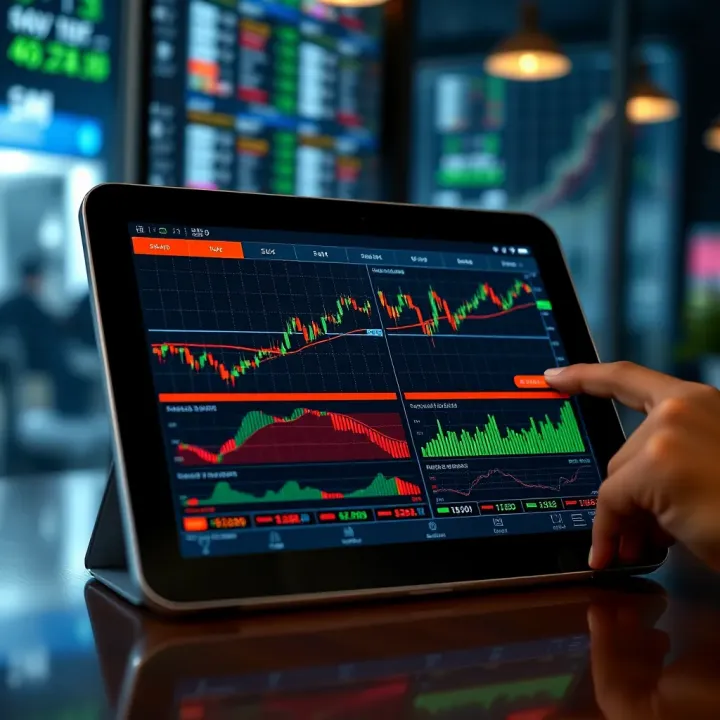
Looking for the best tablet for stock trading in India? Explore top models with crisp displays, reliable performance, long battery life, and seamless compatibility 🤑📈
Explore the best forex trading apps in India 🇮🇳 covering features, costs, security, usability & regulations to pick the right platform for your trading goals.

📚 Explore e-book trading in India: buy, sell, and exchange digital books legally on key platforms, learn copyright rules, and enjoy diverse reading affordably.
Based on 9 reviews